Unity URP · ShaderLab · HLSL · C#
URP Underwater Effects
A modular underwater rendering suite built around URP renderer features and a reusable waterline mask, with caustics, fog, refraction, volumetric light, color response, and particles.
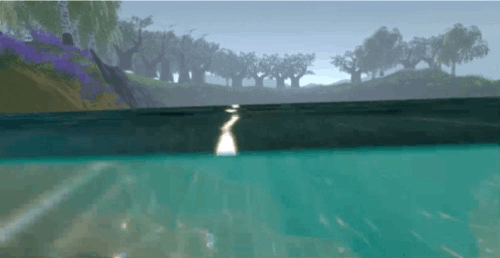
The Goal
I wanted a reusable URP underwater effect that could distinguish the part of the camera below the waterline from the air above it, then layer multiple effects only into the underwater region.
- Create a reliable screen-space mask for the waterline.
- Build each visual effect as an independent URP renderer feature.
- Allow projects to opt into only the effects they need.
- Expose artist-tunable settings instead of baking values into shaders.
The Waterline Mask
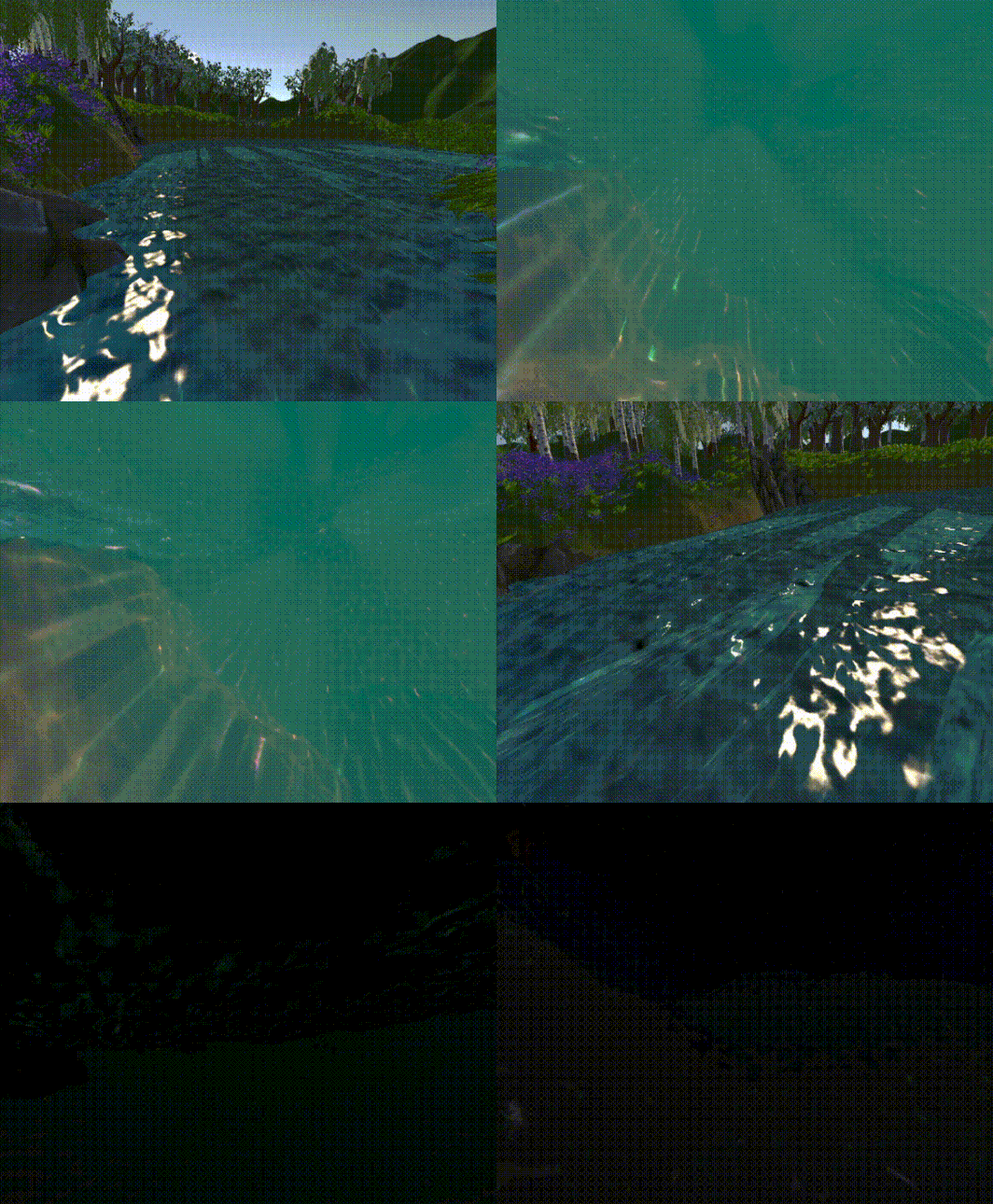
The central technical problem is knowing which screen pixels should receive underwater effects. I built a
ScriptableRendererFeature called HorizonLineTexturePass that renders the selected
water-surface layer into a global _HorizonLineTexture. Other effects can sample that texture to
separate underwater pixels from the air above the surface.
- Uses a configurable layer mask to identify the waterline geometry.
- Renders separate upper- and underside passes to build the horizon information.
- Publishes the result globally as
_HorizonLineTexture. - Uses temporary render targets and releases pooled command buffers after execution.
- The horizon feature is intentionally executed before the other underwater passes.
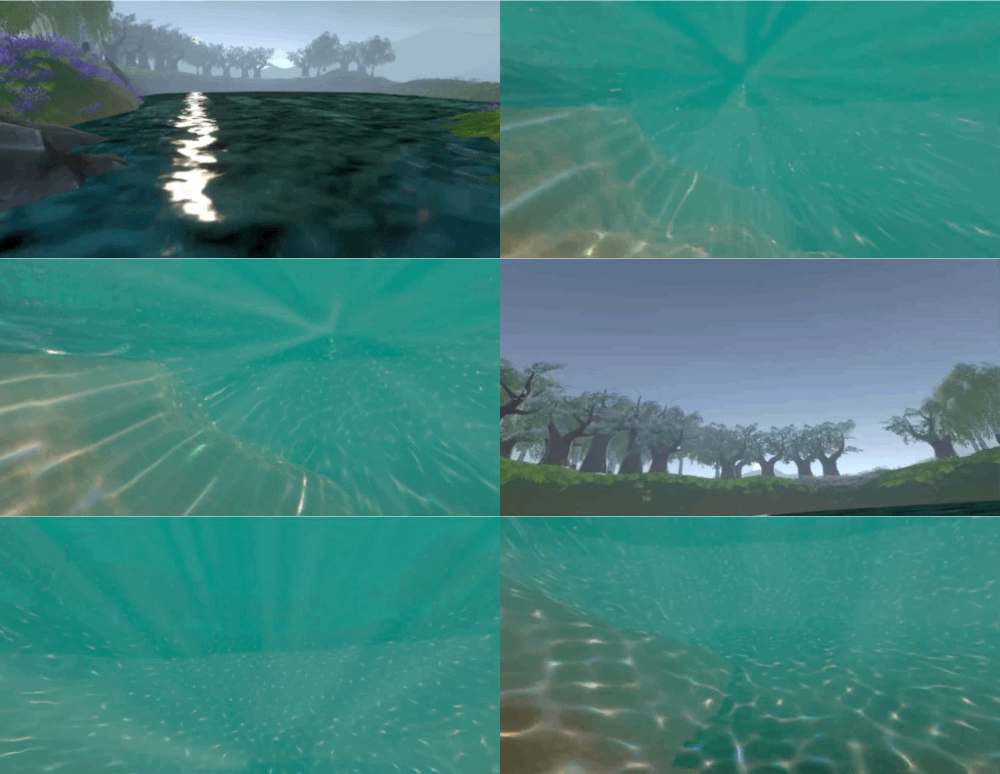
Modular Renderer Features
Instead of one monolithic shader, the package exposes its effects as separate URP render features. The current public project includes volumetric light rays, caustics, fog, refraction, a blurred waterline, and color changes driven by the scene's main light and ambient color. Bubbles are supplied separately as a particle prefab.
- Volumetric light rays.
- Animated underwater caustics.
- Depth/atmosphere fog.
- Screen-space refraction.
- Blurred waterline transition.
- Lighting-aware underwater color.
- Bubble particle prefab.
Caustics and Lighting
The caustics renderer feature passes texture, speed, tiling, RGB split, intensity, and range settings into the underwater caustics shader. It also reads the scene's main-light transform and sends that matrix to the shader so the projected lighting can respond to the directional light rather than acting like a disconnected screen overlay.
- Artist-controlled caustic texture, animation speed, tiling, intensity, and range.
- Optional RGB splitting for a stylized chromatic effect.
- Main-light orientation is supplied to the shader each render pass.
- Implemented as a reusable
ScriptableRendererFeature.
Extensibility
The horizon texture is also the extension point for custom effects. Additional shaders can sample
_HorizonLineTexture to decide where underwater processing should occur, which lets new effects
plug into the same waterline logic rather than solving that problem again.
- Effects are independent and can be enabled selectively.
- The shared horizon texture keeps custom extensions compatible with the existing stack.
- A demo scene, water shader, particle assets, and prefabs are included in the repository.
- The project is released under the MIT license.
What I Learned
- URP renderer features can turn a one-off post effect into a reusable rendering pipeline.
- A shared intermediate mask can simplify a whole family of related screen-space effects.
- Temporary render targets and command-buffer lifetime need to be managed carefully.
- Technical-art tools are stronger when artists can tune each layer independently.